
Review context
Confirm market context, setup logic, and required conditions.
NINJATRADER / TRADING COCKPIT
In Active DevelopmentKeep the plan visible before execution begins.
TradePilot Pro is being developed for traders who want to define the trade before acting, confirm that required conditions are present, and keep risk information visible throughout the workflow.
T04 / Concept Preview
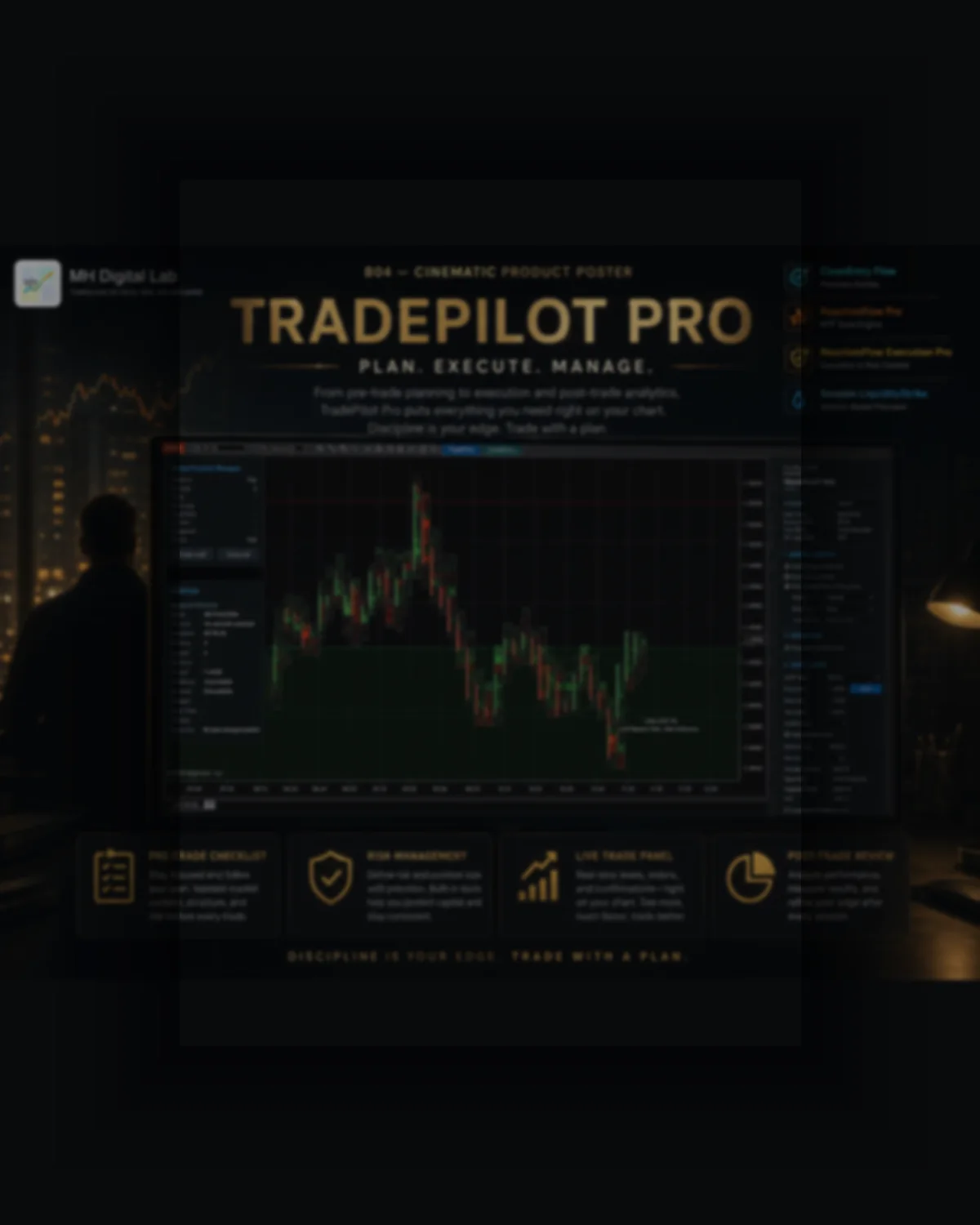
TradePilot Pro is a chart-side planning and risk cockpit designed to connect context, checklist discipline, position sizing, and daily limits.
Preparation steps kept visible before the workflow continues.
Position sizing, invalidation, and daily limit context in one view.
Entry, Stop, and Target planning lines for manual review.
Problem / Purpose
Context, entry logic, position size, daily limits, and execution conditions are often managed in separate places. TradePilot Pro is designed as one chart-side cockpit for organizing those decisions before an action is taken.
Prop-firm success promises
Automatic profitability
Removing execution responsibility
Financial advice
Replacing broker or platform risk controls
Workflow
TradePilot Pro is a chart-side planning and risk cockpit designed to connect context, checklist discipline, position sizing, and daily limits.
Confirm market context, setup logic, and required conditions.
Set risk per trade, invalidation, position size, and target structure.
Require the important preparation items before the trade workflow continues.
Keep Entry, Stop, and Target levels visible before execution.
Record the planned structure and workflow results through CSV logging.
Concept Preview
A visual representation of the product workflow. Interface details may evolve during development and testing.
Preparation steps kept visible before the workflow continues.
Position sizing, invalidation, and daily limit context in one view.
Entry, Stop, and Target planning lines for manual review.
Manual futures traders
Traders using preparation checklists
Traders managing daily loss limits
Traders requiring visual position sizing
Traders working under structured risk rules
Prop-firm success promises
Automatic profitability
Removing execution responsibility
Financial advice
Replacing broker or platform risk controls
TradePilot Pro is in active development as a planning, checklist, position-sizing, and risk cockpit. Commercial availability has not yet been announced.
TradePilot Pro is in active development. Commercial availability has not been announced and should be confirmed directly with MH Digital Lab.
No. Automated execution is not supported, public live execution is unavailable, and the workflow is simulation-first.
The concept keeps required preparation items visible before the workflow continues.
Yes. Manual and automatic position-sizing modes are supported.
Yes. Account selection is supported within the planning workflow.
Yes. Entry, Stop, and Target preview lines are supported.
Yes. CSV logging is supported.
No. Checklist and risk tools do not guarantee compliance, execution quality, or trading success.
Risk-aware disclaimer
This product is designed for workflow and decision support. It does not provide financial advice, does not remove trading risk, and does not guarantee market outcomes. Checklist and risk tools do not guarantee compliance, execution quality, or trading success.
Full disclaimerAsk MH Digital Lab about the cockpit concept, status, and future testing path.