
Map the zone
Identify and track relevant higher-timeframe reaction areas.
NINJATRADER / MULTI-TIMEFRAME CONTEXT
In Active DevelopmentSee the reaction before you chase the trigger.
The product is designed for discretionary traders who want to understand where a reaction is developing, how the zone is behaving, and whether lower-timeframe confirmation supports a structured plan.
R07 / Problem
01Disconnected higher-timeframe levels
02Unclear zone state
03Late trigger recognition
04Difficult post-signal review
Solution / Concept Preview
Problem / Purpose
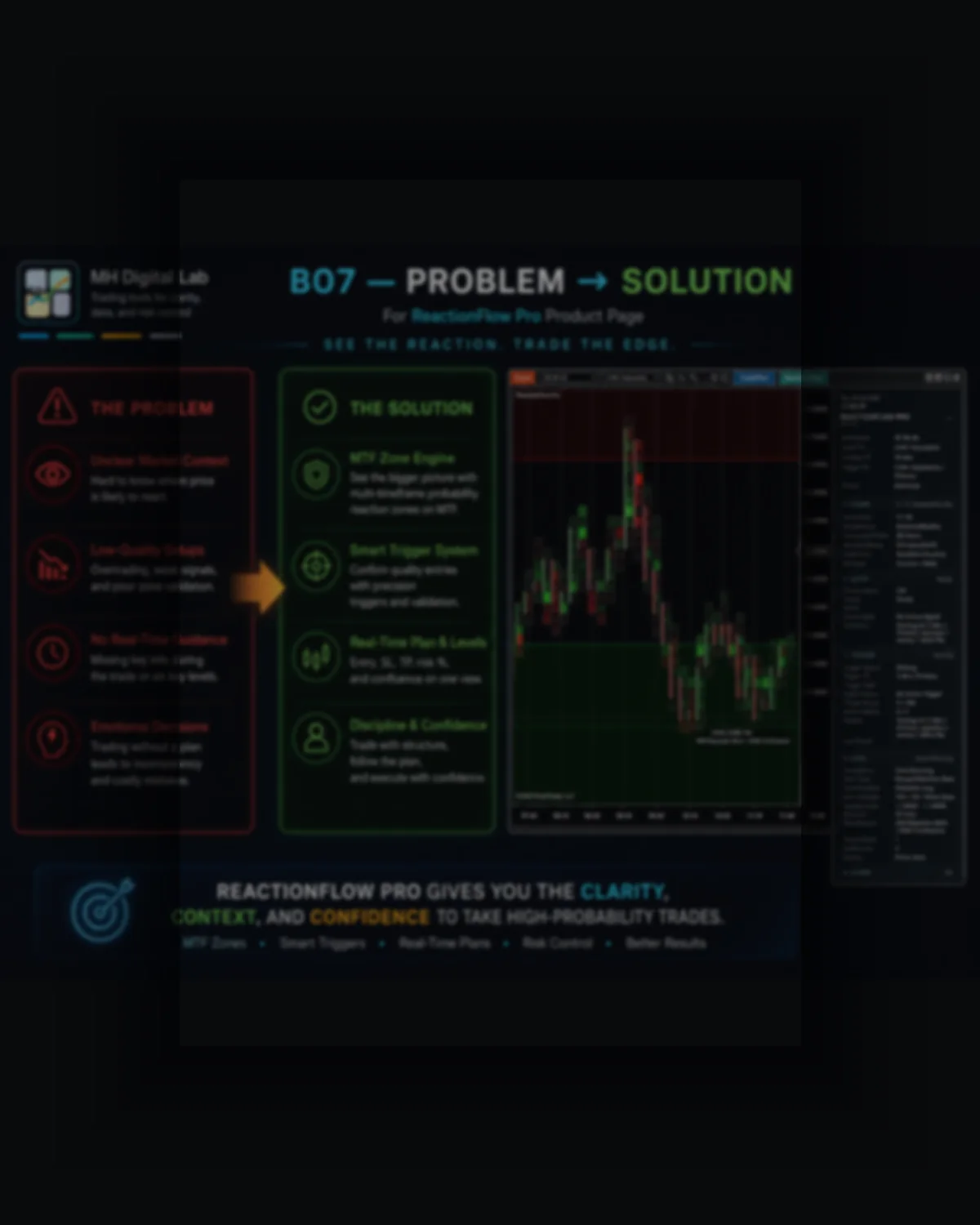
Higher-timeframe zones, lower-timeframe triggers, trade plans, and review data are often separated across multiple indicators or mental processes. ReactionFlow Pro brings these stages into one structured reaction workflow.
Disconnected higher-timeframe levels
Unclear zone state
Late trigger recognition
Difficult post-signal review
Workflow
ReactionFlow Pro connects higher-timeframe zones with lower-timeframe confirmation, structured trade plans, and post-signal review.
Identify and track relevant higher-timeframe reaction areas.
Keep the zone state visible as it develops, reacts, breaks, or expires.
Evaluate lower-timeframe reaction behavior and confirmation sequence.
Display structured Entry, Stop, and Target information when a valid plan exists.
Track signal development, result state, and diagnostic information.
Concept Preview
A structured overview presents the product workflow with accurate product naming and concept labels.
Higher-timeframe areas kept visible before lower-timeframe confirmation.
Structured confirmation sequence for manual decision support.
Entry, Stop, Target, state, and review context in one workflow.
Discretionary futures traders
Traders using reaction zones
Traders requiring multi-timeframe context
Traders using confirmation before entry
Replay and process review
Automatic order placement
Reversal certainty
Perfect zone prediction
Financial advice
Removing market risk
ReactionFlow Pro is in active development and testing. Functionality and requirements may be refined before commercial preparation.
It uses 60-minute and 240-minute context with confirmation on a 1-minute or 5-minute timeframe.
No. It provides manual workflow and decision support without automated or live order execution.
Zone context and lifecycle states keep the developing reaction visible through the workflow.
Structured Entry, Stop, TP1, and TP2 display is part of the approved baseline content when a valid plan exists.
Yes. Market Replay is supported for signal and workflow review.
It requires real-time market data and sufficient historical data for the higher-timeframe context.
No. Reaction zones and trigger conditions do not guarantee a market reaction.
Risk-aware disclaimer
This product is designed for workflow and decision support. It does not provide financial advice, does not remove trading risk, and does not guarantee market outcomes. Reaction zones and trigger conditions do not guarantee a market reaction.
Full disclaimerAsk about testing access, current requirements, and development status.